Digita Professional SuiteStreamline your entire workflow with our fully integrated software for accountants
Scalable compliance software to improve efficiency for accountancy teams
Digita Professional Suite is an integrated tax and accounting solution that automates simple compliance tasks, freeing up your time for more complex accounting and tax matters for clients. Digita links together software modules around a centralised database to reduce data entry and improve efficiency.
- Take care of the numbers seamlessly so you have more time to advise on business development or more complex accounting, tax and compliance matters
- Save time, improve profit margins and enhance client service with a reliable and trusted accounting platform
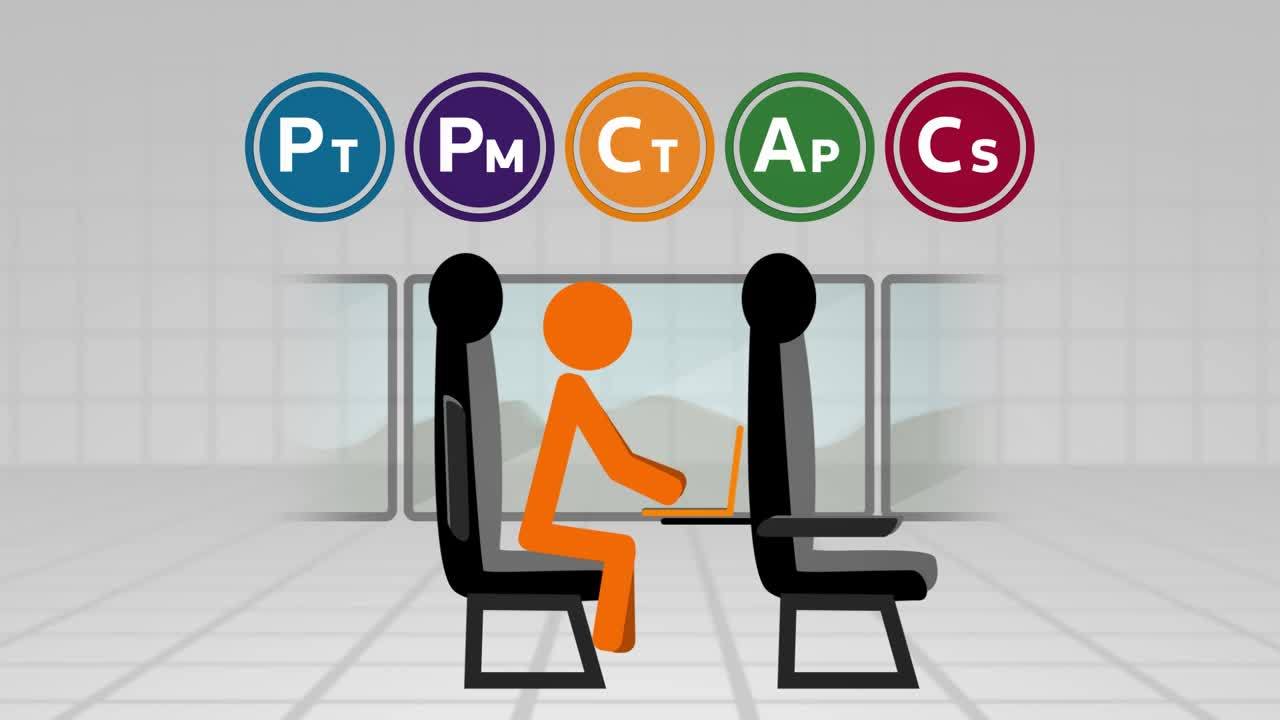
- The Digita Professional Suite includes personal tax, corporation tax, accounts production, practice management and company secretarial solutions
Discover our integrated software for accountants
Our solutions span the full spectrum of benefits, helping you to save time, improve profit margins, and enhance client service.
Digita Personal Tax
Manage your entire personal, business and trust tax compliance process.
Personal tax softwareDigita Corporation Tax
Save time on tasks for simple and complex corporate tax clients.
Corporation tax softwareDigita Practice Management
Get a handle on your client data and a better view of staff workloads.
Practice management softwareDigita Accounts Production
Automate your reporting and make critical decisions with confidence.
Accounts production softwareDigita Company Secretarial
Keep your client records up to date and in-sync with Companies House.
Company secretarial softwareCost effective tax and accounting packages from £54 per month
Maximise your return on investment with our range of affordable Digita Efficiency Packs – ideal for practices with under three hundred clients. Select the combination of products which best suits your needs and easily scale up as your firm grows.
Choose your Digita Efficiency PackMaking Tax Digital solution for accountants
Manage the complete compliance process — from totalling and categorising data ready for MTD, to collecting data from HMRC and producing the final, adjusted accounting data.
Explore our Making Tax Digital softwareFrequently Asked Questions
Helpful answers to common questions – from purchasing through to product support.
Read FAQs [5 min read]Want to know more?
Every firm is unique, which is why we want to understand your individual needs. Complete a few details online or call 03450 180 907 to contact our friendly Solutions Consultants today.
Contact us